SilverShopTvParts
LG OLED48B5PUA Blinking 4 Times? Fix It Now - Complete Diagnostic & Repair Guide
Couldn't load pickup availability
Share
Your LG OLED is blinking 4 times, and you don't know what to do.
You've unplugged it, plugged it back in, searched the internet for hours, and you're still staring at the same blinking red light. We've been there - and we built this guide to help you.
This is not a generic troubleshooting article. This is a step-by-step professional diagnostic guide written by TV repair specialists, built around your exact TV — the LG OLED48B5PUA.
What you'll know after reading this guide:
✅ Exactly what the 4-blink error means and why your TV is doing it
✅ How to diagnose whether your TV can still be saved
✅ How to read fault codes
✅ How to perform a voltage test
✅ The exact replacement part number and where to order it at the best price
✅ How to confirm a failure using a Diagnostic Jig (tool), before spending $1,000+
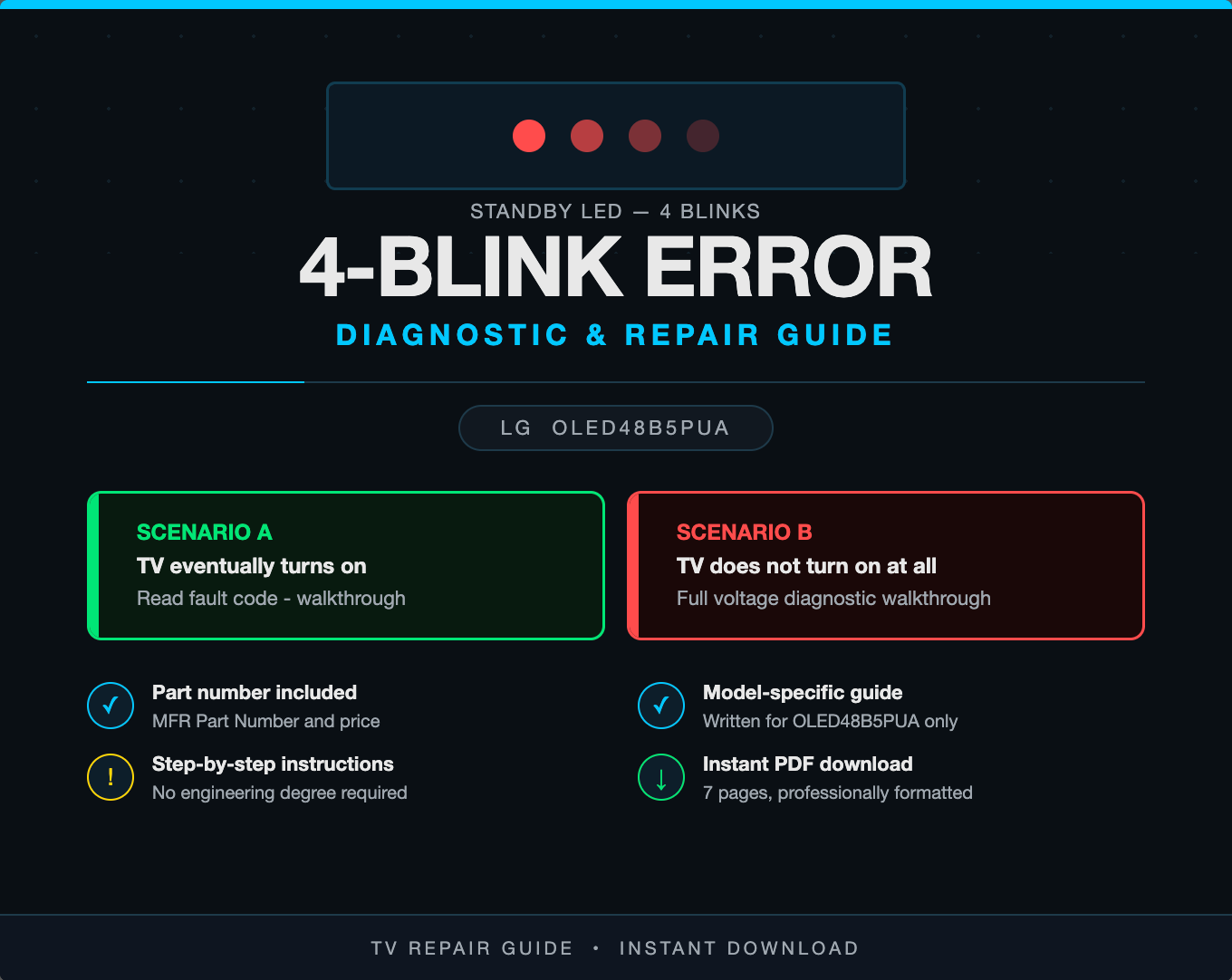
This guide covers both scenarios:
🟢 TV blinks 4 times but eventually turns on — You'll know exactly how to read the fault code and what it means.
🔴 TV won't turn on at all — You'll follow a professional voltage diagnostic to pinpoint the failed component before buying anything.
Why buy this guide?
A TV repair technician charges $100–$150 just to diagnose your set. This guide gives you the same diagnostic knowledge for a fraction of the cost. You'll know the exact part number of the most common failing part and the best place to order it, saving you even more.
Stop guessing. Stop paying for answers you can find right now.
📄 Instant PDF download — 7 pages, professionally formatted
🔧 Model-specific — written exclusively for the LG OLED48B5PUA
💡 Beginner-friendly — clear steps, no engineering degree required
🛒 Includes part numbers & pricing — ready to order the moment you need it
DISCLAIMER: This guide is an independent educational resource and is not affiliated with, endorsed by, or sponsored by LG Electronics. LG and OLED are trademarks of their respective owners. All repair procedures described are performed entirely at the reader's own risk. The author and seller assume no liability for injury, death, electrocution, property damage, or any other harm resulting from the use of this information. High-voltage electronics can be dangerous — if you are not comfortable working with electrical components, please consult a licensed TV repair technician. By purchasing this guide, you acknowledge and agree to these terms.